This blog shares AI market research tools that’ll change how you collect and understand customer feedback.
AI market research tools use smart technology to handle tasks like creating surveys automatically, cleaning up data, making reports, and more. They’re different from old-school research companies because they’re easy to use and finish work faster without cutting corners on quality.
Let’s explore what these AI tools are, how they speed things up, and which ones you should know about if you’re a;reday using planning to use AI email marketing tools alongside your research efforts.
What are AI tools for market research, and how do they work?
AI tools for market research are programs that use artificial intelligence and machine learning to handle different parts of research automatically. Old methods take forever (we’re talking weeks or even months) just to create surveys, collect responses, study the data, and write reports.
Businesses today need answers fast. Decision-makers want insights quickly so they can beat competitors and stay relevant. AI tools for market research solve this problem by changing how companies collect and study customer information for smarter, faster choices across AI in marketing campaign.
These tools grab data from places like social media, websites, and surveys. Then they use fancy tech (natural language processing, machine learning, predictive analytics) to find patterns and pull out useful information. Most AI-powered research tools have reporting features that instantly turn data into reports, charts, or other visuals and show you what matters most.
How AI tools enhance market research
AI tools make research easier by handling boring, repetitive work, studying huge amounts of data fast, and spotting patterns people might miss.
They use smart algorithms to read customer feedback, track social media opinions, predict what’s coming next in the market, and create useful reports (all way faster than doing it by hand). This is why many teams now rely on best AI tools for market research instead of fully manual processes.
Popular AI Market Research Tools Used by Modern Teams
1. quantilope (quinn)
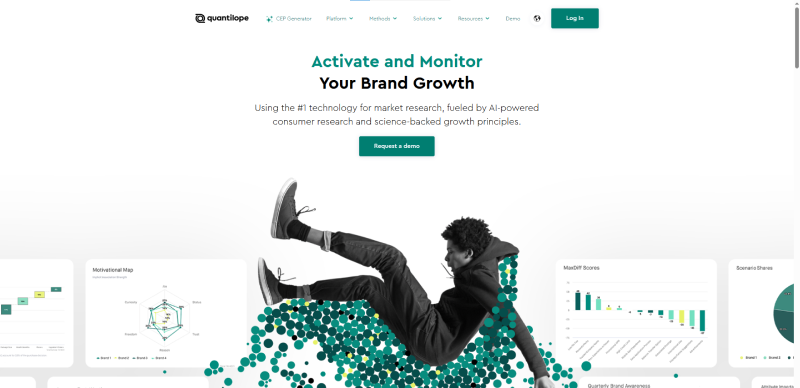
Best for: Teams that want end-to-end market research, from survey creation to final insights, without hiring research experts.
Quantilope is an end-to-end market research AI software platform with an AI assistant called quinn built right in. Researchers can use quinn to help design studies, write survey questions, clean data, and pull insights from results. It’s built for both beginners and experienced researchers who want to move faster.
The platform handles everything from setting up your study to delivering final insights. Quinn works alongside you throughout the process, suggesting improvements and catching mistakes you might miss.
Key Features of quantilope:
- AI-powered study design: Quinn helps you pick the right research method for your question and builds your study framework.
- Smart survey creation: The AI suggests questions based on your goals and fixes confusing wording before you launch.
- Automated analysis: quinn cleans your data, runs statistical tests, and highlights important findings without manual work.
- Visual reporting: The platform turns results into charts and dashboards that non-researchers can understand.
| Pros | Cons |
|---|---|
| Complete platform handles entire research process | Learning curve for advanced features |
| AI assistant speeds up every stage | Pricing might be high for small businesses |
| No coding or statistical background needed | Some customization requires platform knowledge |
2. Speak
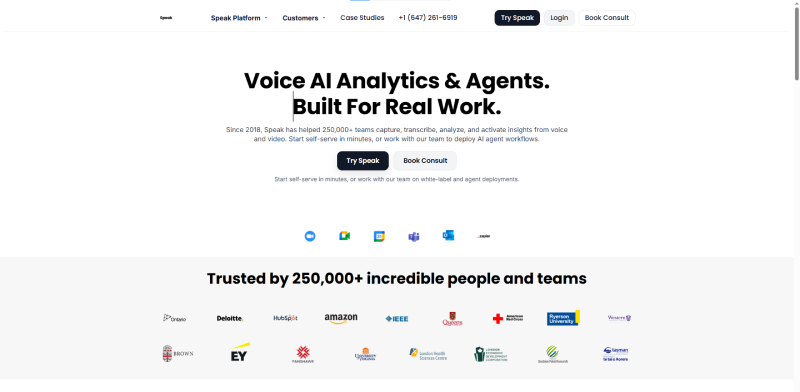
Best for: Businesses that run lots of interviews, focus groups, podcasts, or video research and want quick insights without manual transcription.
Speak turns messy audio and video into useful consumer insights using natural language processing. Research teams can use Speak to convert interviews, recordings, YouTube videos, podcasts, focus groups, and more into data they can actually work with.
You don’t need to spend hours manually transcribing or taking notes. Upload your files and Speak handles the tedious task, finding themes and patterns in what people said.
Key Features of Speak:
- Automated transcription: Converts audio and video files into text automatically so you can search and analyze them.
- Speak Magic Prompts: Gives you ready-made prompts instead of making you write your own questions from scratch.
- Bulk analysis: Upload one file or hundreds at once depending on what you need.
- Integration capabilities: Works with Zoom, YouTube, Vimeo, and lets you create content directly in Speak.
| Pros | Cons |
|---|---|
| Saves massive time on transcription | Accuracy can vary with accents or background noise |
| Handles multiple file types and sources | Needs an internet connection to process files |
| Bulk upload for large projects | Pricing based on minutes can add up |
3. Appen
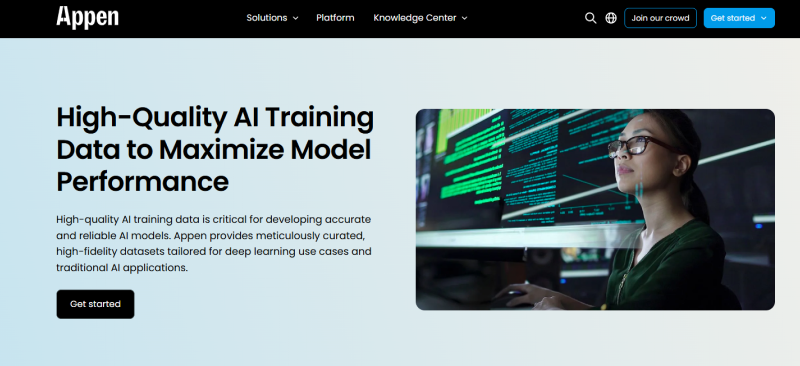
Best for: Companies that need high-quality data to train AI models, not traditional customer surveys or trend analysis.
Appen provides data services from collection to preparation, model testing, ad evaluation, benchmarking, and more. Their products help gather large amounts of data for training and testing AI systems.
Companies use Appen when they need reliable datasets to teach their AI models how to work correctly. It’s less about analyzing market trends and more about building the foundation for AI to function.
Key Features of Appen:
- AI Training Data: Provides datasets that teach AI systems how to do specific tasks correctly so companies can use them for real business needs.
- Data Annotation: Labels all kinds of data including images, videos, audio files, and text feedback.
- Linguistic services: Handles natural language tasks like text generation, classification, translations, scripting, and language predictions.
| Pros | Cons |
|---|---|
| High-quality training data for AI models | Not designed for traditional market research |
| Supports multiple data types | Supports multiple data types |
| Strong language and NLP capabilities | Requires technical knowledge to use effectively |
4. Pecan
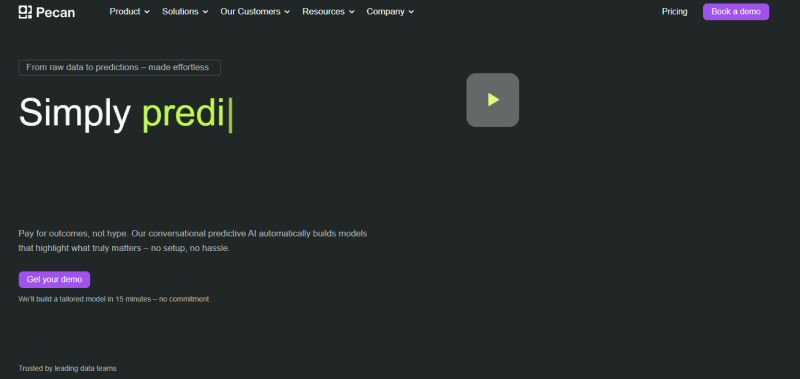
Best for: Businesses that want to predict customer behavior, like churn, demand, or campaign results, using their existing data.
Pecan uses machine learning and AI to turn your existing data into predictions about customer retention, demand forecasting, campaign performance, and ROI.
The platform analyzes patterns in your data to answer forward-looking questions. You can even set up recurring predictions to track changes over time.
Key Features of Pecan:
- Predictive analysis: Ask simple questions about your data and get predictions within days. Schedule recurring predictions for ongoing tracking.
- Data integrations: Connects with software you already use like Salesforce, Oracle, and Amazon S3, instead of making you rebuild everything.
- Information Security: Protects data through authentication, encryption, cloud storage, and incident response teams.
| Pros | Cons |
|---|---|
| Predictions without needing data scientists | Requires clean, organized data to start |
| Integrates with existing tools | Limited to predictive tasks, not exploratory research |
| Answers specific business questions quickly | Results only as good as input data quality |
5. Crayon
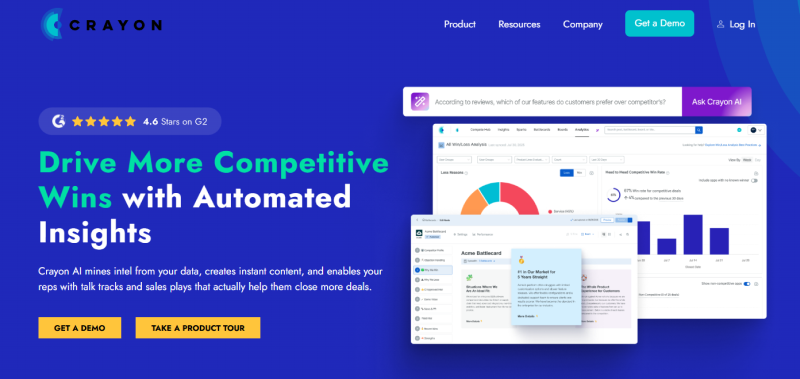
Best for: Sales and marketing teams that need real-time competitor tracking without manually checking websites and reviews.
Crayon focuses on competitive intelligence using AI to track competitor activities and send automatic alerts. Sales and marketing teams use it to stay updated on what competitors are doing without manually checking dozens of sources.
The platform monitors competitor websites, reviews, press releases, and more. It organizes this information so you can react quickly to market changes.
Key Features of Crayon:
- Multi-sourced information: Captures real-time competitive updates from competitor websites, review sites, and publications.
- Sales battlecards: Connects your battlecards to live competitive intel feeds so sales teams always have current information.
- Integrations: Works with Salesforce, HubSpot, and Slack to fit into your existing workflow.
| Pros | Cons |
|---|---|
| Automates competitive monitoring | Focused only on competitive intelligence |
| Real-time alerts keep you informed | Can generate too many alerts if not filtered |
| Integrates with sales and marketing tools | Pricing may not fit small business budgets |
6. Hotjar
Best for: Website owners who want to see how visitors actually behave on their site and fix user experience problems fast.
Hotjar shows you how people actually use your website through visual heatmaps, recordings, feedback popups, and surveys. You can see where visitors click, how far they scroll, and what frustrates them.
The AI features include smart feedback prompts that ask visitors about their experience at the right moment. This helps you understand your audience better and fix problems on your site.
Key Features of Hotjar:
- Recordings: Watch exactly what users see and do on your website (mouse movements, clicks, scrolling) in playback mode.
- Feedback popup: AI presents website visitors with a suggestion box at the right time to share frustrations or praise.
- Surveys: Send targeted surveys to people actively using your site to test ideas in real-time.
- Interviews: The Engage tool hosts one-on-one interviews with users and records/transcribes video feedback.
| Pros | Cons |
|---|---|
| Visual heatmaps are easy to understand | Limited to website behavior only |
| See actual user sessions | Can’t track offline customer journeys |
| Quick setup, no coding needed | Recording features may raise privacy concerns |
7. Brainsuite
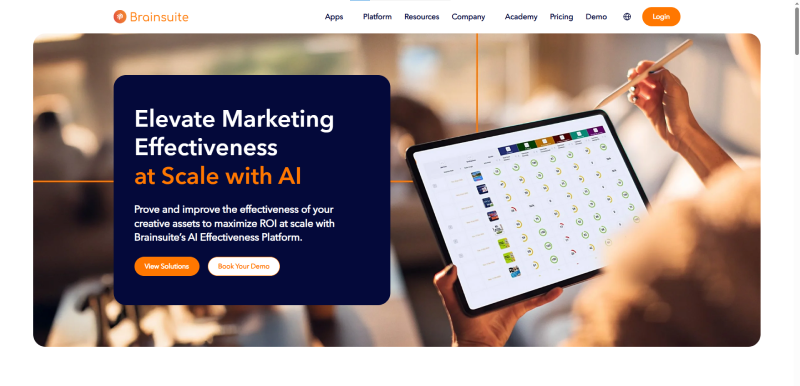
Best for: Marketing teams that want to test ads, videos, designs, or packaging before launch to see what will perform best.
Brainsuite helps marketing teams measure and improve creative assets like videos, packaging designs, shelf layouts, and social media content. It uses AI trained on neuroscience and psychology research to predict how consumers will respond to your marketing.
The platform runs on 100+ AI models trained on over a billion data points. This lets you test creative work early or right before launch.
Key Features of Brainsuite:
- Predictive AI: Predicts consumer responses to attention, branding, emotional engagement, processing ease, and persuasion using AI models validated by experts.
- Competitive Benchmarks: Brainsuite Memory has tested 2.5 million+ creative assets. Compare your work to competitors and industry standards in real contexts.
- Real-time recommendations: The ‘Advice’ feature identifies strengths and weaknesses instantly, giving clear guidance to improve effectiveness.
| Pros | Cons |
|---|---|
| Science-backed predictions | Specialized for creative testing only |
| Huge benchmark database for comparison | Learning curve to interpret results |
| Tests multiple asset types | Higher price point than basic tools |
8. Browse AI
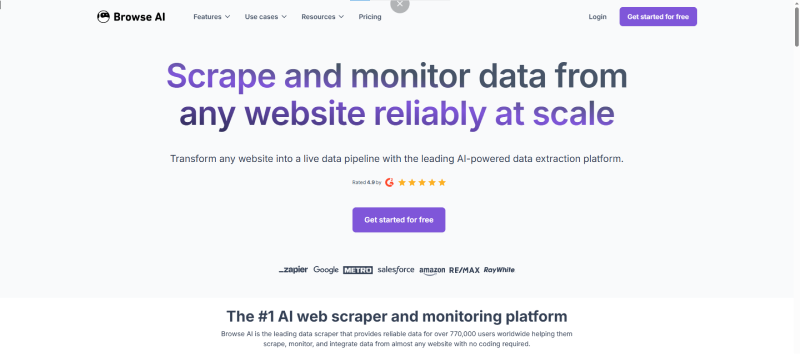
Best for: Teams that need to collect and monitor website data automatically without coding or technical skills.
Browse AI extracts and analyzes data from any website using ‘Pre-built Robots’ that fill spreadsheets automatically and monitor changes. It’s designed to make web data accessible to everyone, no coding required.
You can track new job postings on LinkedIn, new apps launching, services in your category, real estate listings, or anything else relevant to your business.
Key Features of Browse AI:
- Data extraction: Pulls important information automatically (new LinkedIn jobs, new apps, new services, property listings) based on what matters to your industry.
- Data monitoring: Alerts you when relevant changes occur (e.g., company details update on LinkedIn, Google search results shift).
- No-coding browser extension: Extract and monitor data by just adding a browser extension. No technical background needed.
| Pros | Cons |
|---|---|
| No coding skills required | Limited to publicly available web data |
| Automates tedious data collection | Website changes can break robots |
| Monitors changes automatically | May not handle complex data structures |
9. Brandwatch
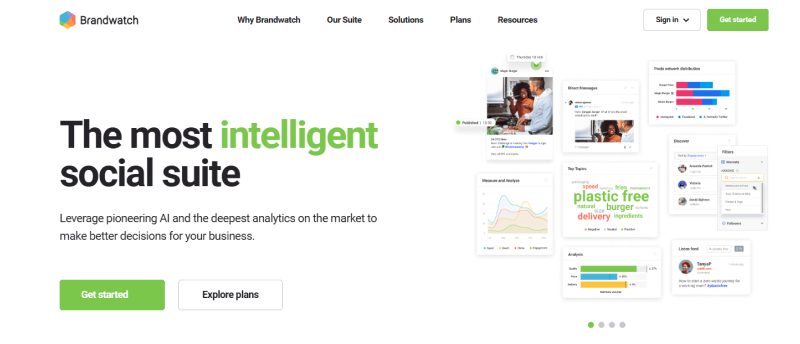
Best for: Brands that want deep social media listening to track mentions, sentiment, and conversations at scale.
Brandwatch monitors and analyzes social media presence for your brand and competitors. The platform collects social media posts, comments, mentions, and conversations, groups them by topic or opinion, and uses AI to analyze patterns.
It’s perfect for businesses that need to understand what people say about them online and track how sentiment changes over time.
Key Features of Brandwatch:
- AI analyst: Automatically pulls and organizes social media information instantly for decision-making.
- Image analysis: Analyzes objects, scenes, and logos in images, not just text.
- Auto segmentation: Uses machine learning to automatically group your data however you need it organized.
- AI-powered search: Instantly search for any brand name or mention within your entire dataset.
| Pros | Cons |
|---|---|
| Comprehensive social listening | Can be overwhelming with data volume |
| Analyzes text and images | Pricing suited for larger organizations |
| Auto-segments data into topics | Requires time to learn all features |
10. Glimpse
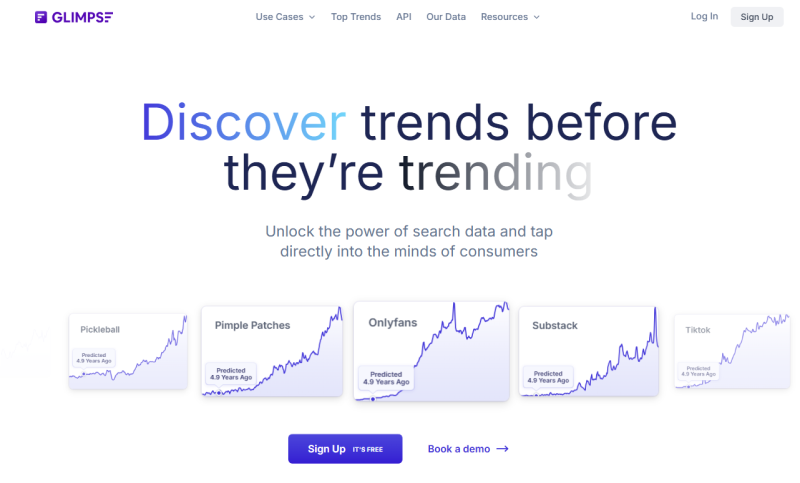
Best for: Marketers, researchers, and product teams who want to spot trends early before they become mainstream.
Glimpse identifies emerging trends before they blow up by analyzing search trends, social media, online reviews, and e-commerce sites. Researchers use it to craft surveys, marketers build campaigns around trends, planners anticipate behavioral shifts, and product developers prototype new ideas.
The platform spots early signals of trends so you can jump on opportunities before markets get saturated.
Key Features of Glimpse:
- Trend identification: Analyzes web data including search trends, social conversations, reviews, and e-commerce to detect emerging market trends early.
- Data visualization: Interactive dashboards let you explore trends and filter by demographics and other criteria.
- Sentiment analysis: Uses AI to understand not just the trends but how consumers feel about them (excited, skeptical, concerned).
| Pros | Cons |
|---|---|
| Spots trends before they peak | Can’t predict which trends will last |
| Multiple data sources for validation | Requires interpretation skills |
| Easy-to-use dashboards | May show false signals occasionally |
No Spam. No calls. Unsubscribe anytime.
Conclusion
Market research doesn’t have to be slow, expensive, or confusing anymore. AI tools for market research take the heavy work off your plate and give you answers while they’re still useful. From understanding customer opinions to spotting trends early, these tools help you move faster and make smarter decisions.
You don’t need to use all ten. Pick the one that matches your goal, your team size, and your budget. Start small, test it out, and build from there.
In today’s fast-moving market, the businesses that listen better and act quicker are the ones that win, and AI just makes that a lot easier.
In today’s fast-moving market, the businesses that listen better and act quicker are the ones that win, and AI just makes that a lot easier.
Frequently Asked Questions