
Email marketing is still one of the strongest channels in 2026. There are over 4.5 billion email users worldwide, and most people check their inbox daily. That makes email a reliable way to reach customers without fighting social media algorithms.
It also delivers serious returns. Studies show email marketing generates $36–$42 for every $1 spent, which is higher than most digital channels. That’s why businesses of all sizes still rely on AI email marketing software to drive sales and engagement.
Now, AI in marketing is changing how email marketing works. More than 60% of marketers use AI to write emails, personalize content, and pick the best send times. These tools save hours of manual work and help emails perform better without extra effort.
To help you choose, we’ve reviewed 15 AI email marketing tools in 2026 based on how they handle automation, personalization, pricing, and real-world use cases.
What Are AI Email Marketing Tools?
These tools use smart technology to run your email campaigns better. They learn from data, predict what works, and handle tasks you’d normally do manually.
People who use them include marketers, store owners, and anyone sending emails to customers using modern AI-driven email marketing platforms. The tools help you send the right message to the right person at the right time (which sounds simple but isn’t).
The main benefit? You save hours every week, and your emails perform better. Win-win.
Features of AI Email Marketing Tools
Here’s what to look for:
- Automated sending: Set up your emails once, and they go out automatically. No more logging in every day to hit send. The system handles timing, follow-ups, and sequences while you focus on other work.
- Smart grouping: The tool splits your contacts into groups based on what they do, buy, or care about. This works much like AI tools for market research, where behavior and data drive smarter targeting decisions.
- Custom touches: Add someone’s name, recommend products they’d like, or reference their last purchase. Each email feels personal without you typing each one individually.
- Testing features: Try different subject lines or email designs to see what gets more clicks. The tool shows you real numbers so you’re not just guessing what works.
- Performance tracking: Watch how many people open emails, click links, or buy stuff. One dashboard shows everything, so you spot problems fast and fix them.
- Simple design tools: Build nice-looking emails by dragging boxes around. No coding needed. Your emails look professional even if you’re not a designer.
- Legal compliance: Stay on the right side of privacy laws without becoming a legal expert. The tool automatically handles GDPR and spam rules.
- Connects to other tools: Link your email system to your store, customer database, or other apps. Everything talks to everything else.
Best AI Email Marketing Tools Reviews
1. Centripe
Best For:
All-in-one AI email marketing + CRM automation for growing businesses and agencies
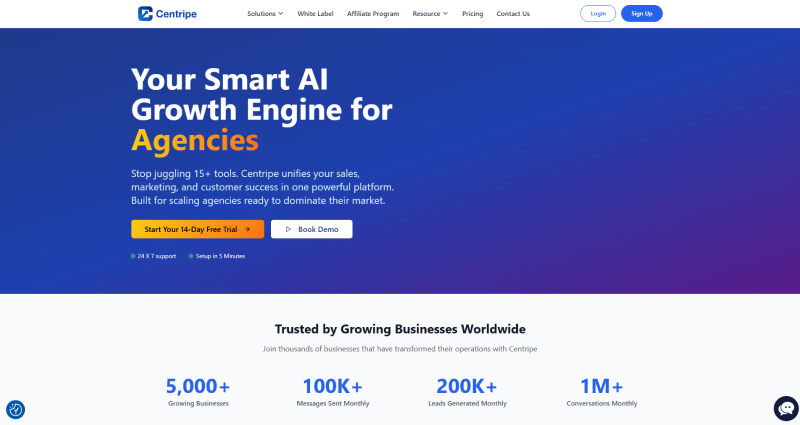
Centripe is built for teams that want email marketing, automation, and CRM in one place, without juggling multiple tools. It’s especially useful for businesses that want AI-driven emails connected directly to their sales and customer data.
Why we picked Centripe:
What stands out is how everything works together. Emails aren’t running in isolation. They’re connected to leads, deals, website activity, and customer behavior.
The AI helps write emails, suggest follow-ups, and trigger campaigns automatically based on what users do, like opening emails, filling forms, or visiting pages.
For agencies and SaaS businesses, this saves time because you don’t need separate tools for CRM, email, and automation.
Standout features & integrations:
- AI-powered email campaigns with smart triggers
- Built-in CRM to track leads, customers, and conversations
- Email sequences based on user actions (opens, clicks, site visits)
- Drag-and-drop email and workflow builder
- Lead scoring and segmentation using real behavior
- White-label support for agencies
Works with:
WordPress, Shopify, WooCommerce, Zapier, Google Analytics, Facebook Ads, WhatsApp, custom APIs, and internal CRM modules.
| Pros | Cons |
|---|---|
| All-in-one platform (email + CRM + automation) | Not focused only on email (may feel “big” for basic users) |
| AI helps with writing and timing emails | Advanced automation needs an initial setup time |
| Strong automation without complexity | |
| Good fit for agencies and B2B teams |
Pricing:
Essential Plan: $1000 for 3 years
Unlimited Plan: $3000 for 3 years
2. MailChimp
Best for: Beginners and small businesses
MailChimp works well for small businesses just getting started with AI software for Email marketing. It offers AI assistance without overwhelming users.
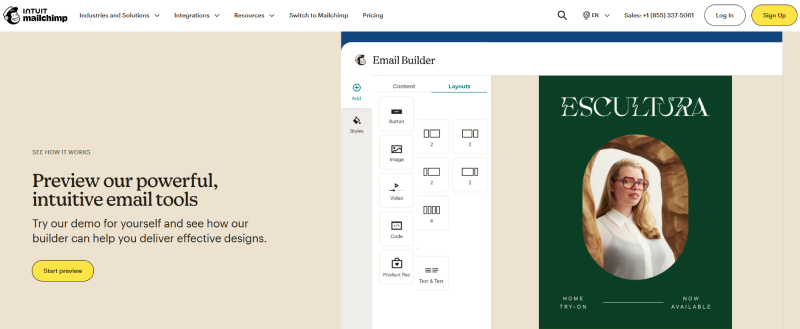
Why we picked MailChimp: The interface makes sense from day one. You can build professional emails without technical skills (I’ve seen beginners create good campaigns in under an hour).
The analytics are built in, so you see what’s working immediately. Grouping contacts is straightforward, which means you’ll actually use it instead of sending everything to everyone.
Standout features & integrations:
The visual editor lets anyone build emails fast. Performance tracking shows opens, clicks, and engagement clearly. Segmentation tools help you split your list into groups that make sense.
Works with: Shopify, WooCommerce, WordPress, Salesforce, Zapier, Google Analytics, Facebook, Instagram, Magento, and Eventbrite.
| Pros | Cons |
|---|---|
| Easy drag-and-drop email builder | Not ideal for large enterprises |
| Built-in analytics dashboard | Limited design flexibility |
| Simple contact segmentation | Advanced automation is basic |
| Beginner-friendly interface | Gets expensive as list grows |
Pricing:
- Free ($0/mo): 500 contacts, 1,000 sends/month, 1 audience, basic email templates.
- Essentials (Starts $\sim$$13/mo): 500+ contacts, 24/7 support, email template customization, A/B testing.
- Standard (Starts $\sim$$20/mo): 500+ contacts, advanced automation, behavioral targeting, custom-coded templates.
- Premium (Starts $\sim$$350/mo): 10,000+ contacts, advanced segmentation, unlimited users, priority support.
3. VitaMail
Best for: AI email writing and list cleaning
VitaMail cleans your email lists while helping you write campaigns. It’s designed for small and medium businesses that need clean contacts and faster content creation without switching between multiple tools.
Why We Picked VitaMail:
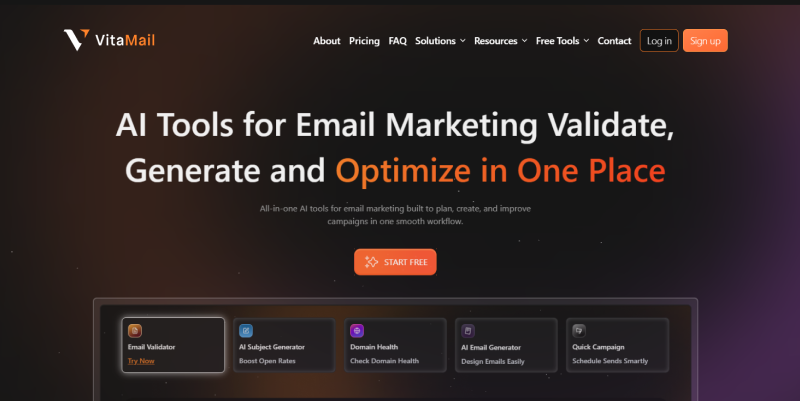
The combination of AI writing and list cleaning caught my attention. You type a quick prompt and get full email drafts with subject lines ready to go. Then the validation tool checks your list and removes bad addresses before you send.
This keeps your sender reputation healthy (which matters more than people think). You’re not wasting sends on dead emails.
VitaMail Key Features:
Beyond AI content creation, here’s what else it offers:
- Upload contact lists in bulk using CSV or XLSX files for quick cleaning
- Check your domain health to make sure emails don’t land in spam
- Use a simple dashboard that doesn’t require a manual to understand
- Monitor your domain continuously for deliverability issues
VitaMail Integrations:
No native integrations listed currently. They do offer an API for custom connections.
Pros and Cons
| Pros | Cons |
|---|---|
| Creates full email drafts fast | Targeting options are basic |
| AI writes subject lines instantly | Very few native integrations |
| Cleans email lists automatically | Not built for complex automation |
| Improves deliverability | Limited campaign customization |
Pricing:
VitaMail keeps pricing simple and usage-based, which works well for small and mid-sized teams.
- Basic: $10/month Includes AI email generation, basic list validation, and domain checks
- Pro: $20/month Adds bulk list cleaning, better deliverability monitoring, and higher usage limits
- Business: $50/month Pricing depends on list size and volume
4. CRMOne
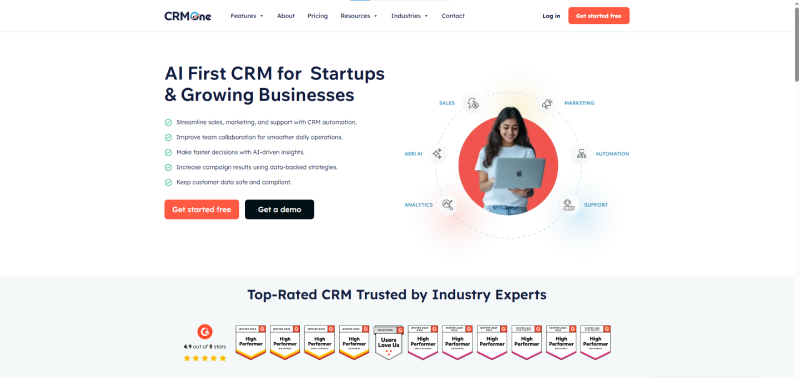
Best For: AI-powered email marketing with deep CRM and sales follow-ups
CRMOne focuses on businesses that want email marketing tightly connected to sales activity. It’s ideal for teams that don’t just send newsletters, but use emails to move leads through pipelines.
Why we picked CRMOne:
CRMOne doesn’t treat email as a standalone feature. It combines sales pipelines with AI email tools so every follow-up feels timely and relevant.
The AI helps automate follow-ups, reminders, and personalized emails so leads don’t go cold. Sales and marketing teams stay aligned because they see the same data.
This works well for service businesses, B2B companies, and sales-heavy teams.
Standout features & integrations:
- AI-powered email follow-ups based on lead status
- Sales pipeline-based email automation
- Contact tagging and behavior-based segmentation
- Email templates for sales, onboarding, and support
- Central inbox to track all conversations
- Analytics tied directly to deals and conversions
Works with:
Google Workspace, Outlook, WordPress, Zapier, payment gateways, WhatsApp, SMS tools, and custom business apps.
| Pros | Cons |
|---|---|
| Strong sales-focused email automation | Not built for pure newsletter-only users |
| AI reduces manual follow-up work | Fewer design-heavy templates compared to email-only tools |
| Simple interface for non-technical teams | |
| Emails linked directly to CRM activity |
Pricing:
Launch: Starts around $18 user/ per month
Grow: $32 user /per month
Scale: $56 user/ per month
5. Tidio
Best for: AI chat-driven customer engagement
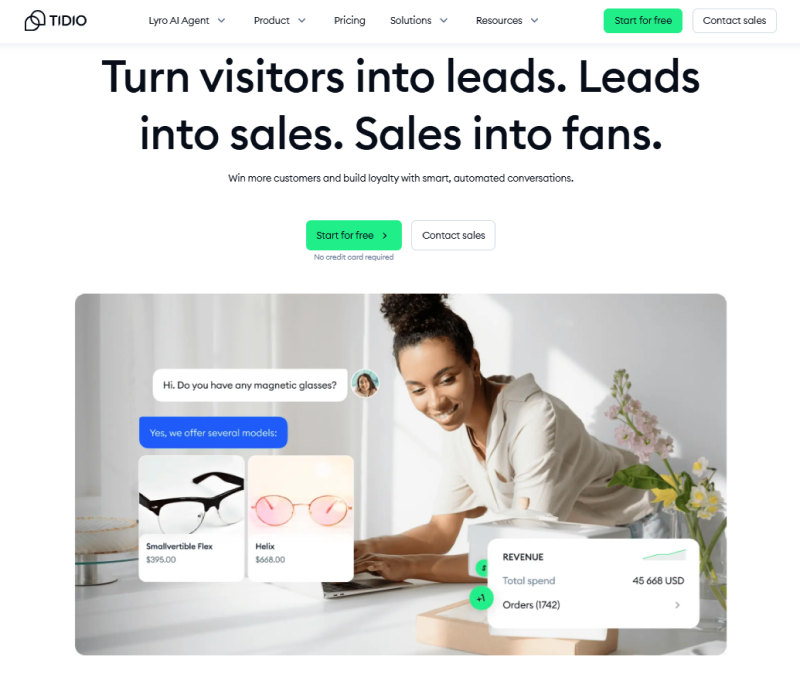
Tidio combines live chat with AI automation for businesses that want to engage website visitors and automate customer conversations. It’s built for small to mid-sized companies.
Why we picked Tidio:
The live chat and AI work together nicely. When someone visits your site, the AI chatbot (called Lyro) can answer common questions automatically. This saves your team time while keeping response quality high.
The email automation sends messages based on what customers actually do on your site. It feels personal without requiring manual work for each person.
Tidio standout features & integrations:
AI chatbots handle support and qualify leads automatically. A help desk keeps all messages in one place. Live chat lets you talk to visitors right now. The AI Copilot Chrome extension gives you insights while you work.
Works with: Google, HubSpot, Typeform, Reddit, TikTok, Twitter, YouTube, Shopify, WordPress, WhatsApp, Instagram, and Messenger.
| Pros | Cons |
|---|---|
| AI chatbot handles FAQs | Initial setup can feel complex |
| Real-time live chat support | Email design options are limited |
Pricing
Tidio pricing depends on chatbot usage and automation needs.
- Free: Live chat with limited chatbot access
- Starter: $24.17/month Chat automation and basic email triggers
- Growth: $49.17/month Lyro AI chatbot, advanced automation
- Plus: $749/month
- Premium: Contact for pricing
6. BloomReach
Best for: Enterprise-level personalization
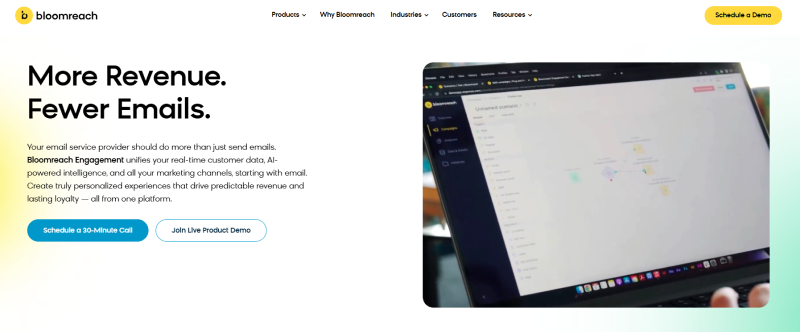
Bloomreach uses customer data to create personalized email campaigns that improve conversions. It’s made for businesses that want data-driven targeting.
Why we picked Bloomreach: The personalization engine is strong. You can create product recommendations that change based on customer behavior (what they viewed, bought, or abandoned).
The drag-and-drop builder makes campaign creation easier. A/B testing helps you optimize as you go. Inbox placement rates stay high, which means your emails actually reach people.
Standout features & integrations:
The email builder uses drag-and-drop for easy customization. A/B testing shows what works with your audience. Product recommendations adapt to each customer’s behavior and preferences.
Works with: Salesforce, Shopify, Magento, Google Analytics, Facebook, Instagram, Marketo, HubSpot, Oracle, and Adobe.
| Pros | Cons |
|---|---|
| Dynamic product recommendations | Learning curve is steep |
| Strong personalization engine | Complex for large campaigns |
| High inbox placement rates | Not beginner-friendly |
| A/B testing included | Pricing suits mid-to-large teams |
Pricing:
N/A ( Contact the company’s website for pricing)
7. Mailmodo
Best for: Interactive AMP email campaigns
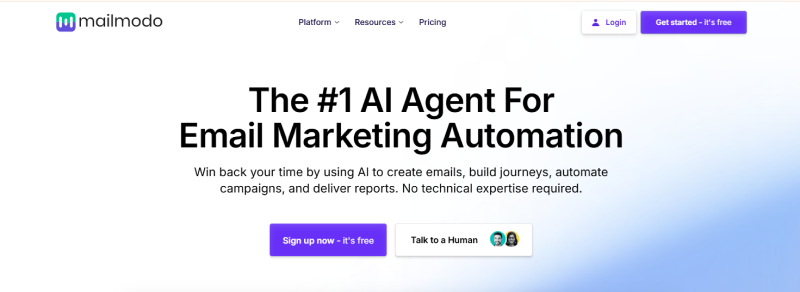
Mailmodo creates interactive emails using AMP technology combined with AI optimization. It’s built for marketers who want engaging, data-driven campaigns.
Why we picked Mailmodo:
The AMP integration sets it apart. You can put forms, calendars, and interactive elements right inside emails (people don’t need to click away to take action).
AI optimizes send times and content delivery based on engagement patterns. The analytics are detailed and AI-driven, helping you make smarter decisions about future campaigns.
Standout features & integrations:
Smart scheduling picks the best send times based on when your audience engages. Click-map tracking shows exactly where people tap. A/B testing options help you refine your approach.
Works with: HubSpot, Zapier, Mailchimp, Salesforce, Shopify, WooCommerce, Google Sheets, Typeform, Webhooks, and Google Analytics.
| Pros | Cons |
|---|---|
| Interactive AMP emails | Needs AMP HTML knowledge |
| Forms and widgets inside emails | Limited third-party integrations |
| Smart send-time optimization | Not ideal for non-interactive emails |
Pricing:
- Lite ($39/month): Suitable for beginners, including ~4,000 email credits, 5 automated journeys, and 1 team member.
- Pro ($79/month): Designed for growing teams, including ~5,000+ email credits, 10 journeys, and 3 team members.
- Max ($159/month): For scaling businesses, offering ~7,500+ email credits, unlimited journeys, and 5 team members.
8. Customer.io
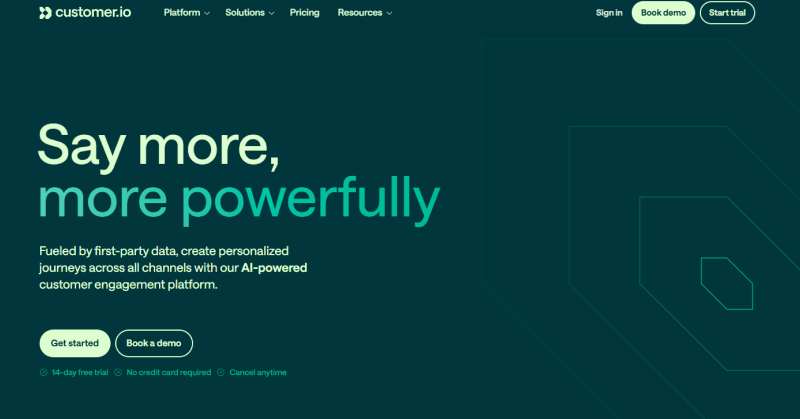
Best For: Behavior-triggered email messaging
Customer.io sends personalized messages triggered by user behavior. It’s designed for marketing teams that want smart, automated communication.
Why we picked Customer.io:
The behavior-based messaging uses machine learning to trigger sends based on actual user actions. You build workflows that adapt in real time to what each customer does.
AI analytics give you insights to improve campaigns and personalize future messages. This helps you send relevant stuff at the right moment instead of blasting everyone on a schedule.
Standout features & integrations:
Visual workflow builder sets up automations without code. Real-time tracking monitors how users interact with messages. A/B testing refines campaigns for better engagement.
Works with: Segment, Zapier, Twilio, Slack, Shopify, Google Analytics, Stripe, WordPress, Intercom, and Salesforce.
| Pros | Cons |
|---|---|
| Behavior-based messaging | Workflows can get complicated |
| Real-time user tracking | Email design customization is limited |
| Strong automation builder | Needs clean data to work best |
Pricing:
- Essential: Starts at $100/month (event-based emails and basic automation)
- Premium: Starts at 1000/month (Advanced workflows, AI insights)
- Enterprise: Contact on website for pricing
9. ActiveCampaign
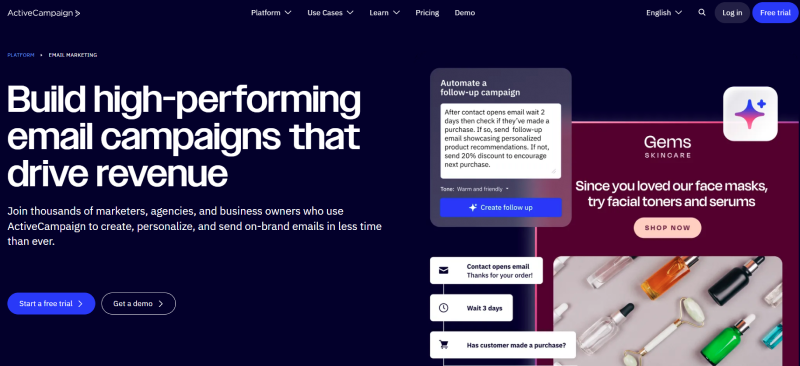
Best For: Advanced email automation workflow
ActiveCampaign combines email marketing with AI-driven automation like predictive sending and smart recommendations. It’s built for teams that want personalized, data-informed campaigns.
Why we picked ActiveCampaign:
The automation workflows are advanced but manageable. You can build complex customer journeys using drag-and-drop tools (no coding required).
Predictive sending figures out when each contact is most likely to open emails, so timing is automatic. The built-in CRM helps you organize contacts and track interactions without needing a separate system.
Standout features & integrations:
Predictive sending times emails when each person is most likely to engage. Split testing lets you try different content to see what works. The CRM keeps contacts organized and tracks all interactions.
Works with: Shopify, Salesforce, WordPress, Zapier, WooCommerce, Facebook, Google Analytics, Slack, Eventbrite, and Twitter.
| Pros | Cons |
|---|---|
| Powerful automation workflows | Learning curve for beginners |
| Built-in CRM | Email designs are basic |
| Predictive send-time feature | Can feel overwhelming initially |
Pricing:
- Starter ($15/mo): Email marketing, automation, AI agents, 1 user, 10x email limit.
- Plus ($49/mo): Includes landing pages, standard segmentation, 1 user, 10x email limit.
- Pro ($79/mo): Advanced CRM, 3 users, 12x email limit, predictive sending, and 200 active goals.
- Enterprise ($145/mo): Unlimited automation, 5 users, 15x email limit, custom mailserver domain.
10. Elastic Email
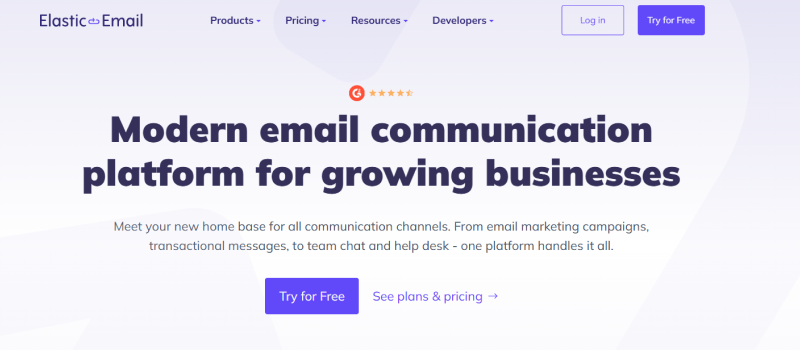
Best for: AI templates and bulk sending
Elastic Email offers AI-built templates and automation for businesses wanting efficient email marketing. It’s popular with marketers and owners who value speed and consistency.
Why We Picked Elastic Email:
The AI Template Designer creates polished emails fast without design skills. You get customized layouts that look professional in minutes.
Automation workflows handle sending and scheduling, so your communication stays consistent without constant manual work. The combination saves time while keeping quality high.
Elastic Email Key Features:
Beyond AI templates, you get:
- Email API for easy sending and management through code
- Team chat and live chat for internal and customer communication
- Landing page tools to capture leads effectively
- Signup forms that grow contact lists directly from your website
Elastic Email Integrations:
Works with: Gravity SMTP, Integrately, Mautic, WP Mail SMTP, SaveMyLeads, Marketo, Kommo, Capsule CRM, WHMCS, and ActiveCampaign.
| Pros | Cons |
|---|---|
| The email editor is easy to use | Templates can feel generic |
| Segmentation for targeting | Deliverability varies with list quality |
| API supports advanced automation |
Pricing:
- Free/Test Plan ($0/per month): Limited daily sending, basic API/SMTP, suitable for testing.
- Starter ($29/month): Includes up to 2,500 contacts, 37,500 emails/month, email designer, and support.
- Pro ($49/month): Includes all Starter features plus automation, paid newsletters, and advanced segmentation.
11. Missive
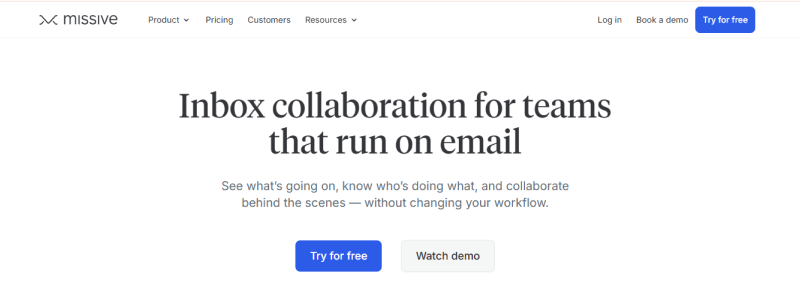
Best For: Team collaboration and shared inboxes
Missive combines email, chat, and tasks in one AI-powered platform for marketing and sales teams. It’s built for teams that need to collaborate on client communication efficiently.
Why we picked Missive:
Everything happens in one place, which cuts down on tool switching. You can collaborate directly in email threads, assign tasks from messages, and automate repetitive actions using simple language.
The AI helps with writing, summarizing, and translating (useful when you’re working across languages or time zones). Response time improves because everyone sees the same information.
Standout features & integrations:
Collaborative inboxes let teams work on emails together in real time. Task management turns messages into to-dos. Automation reduces manual work. AI assists with writing, summarizing, and translating right in your inbox.
Works with: ChatGPT, Integrately, Make, Zapier, HubSpot, Salesforce, Dialpad, Zoom, Google Drive, Asana, Shopify, and GitHub.
| Pros | Cons |
|---|---|
| Team inbox collaboration is smooth | Limited offline functionality |
| Emails become actionable tasks | Learning curve exists |
| Connects with 25+ tools |
Pricing:
Free Plan ($0)
- Capacity: Up to 3 users.
Starter Plan ($14 per user/month)
Business Plan ($36 per user/month)
12. Brevo
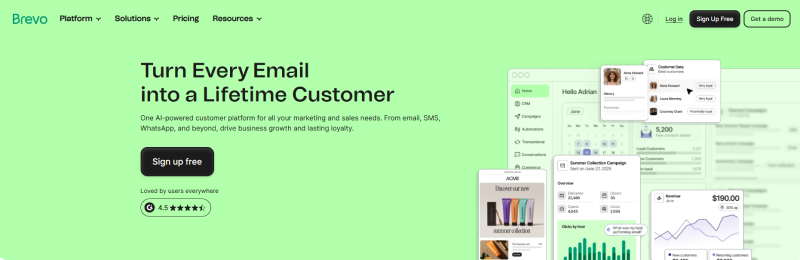
Best For: Multi-channel email and SMS marketing
Brevo (formerly Sendinblue) offers AI-powered email marketing with SMS and chat combined. It’s built for growing businesses that want multiple communication channels in one platform.
Why we picked Brevo:
The multi-channel approach makes sense for modern marketing. You can run email, SMS, and chat campaigns from the same dashboard.
AI helps with send-time optimization and content suggestions. The automation builder is visual and intuitive. Contact management handles large lists well, and pricing stays reasonable as you scale.
Standout features & integrations:
Send-time optimization uses AI to pick the best times. Marketing automation builds visual workflows easily. SMS and email work together in campaigns. Contact management handles segmentation well.
Works with: WordPress, Shopify, WooCommerce, Zapier, Google Analytics, Salesforce, Magento, PrestaShop, OptinMonster, and Gravity Forms.
| Pros | Cons |
|---|---|
| Multiple channels in one place | Design editor feels basic |
| AI send-time optimization | Advanced features take time to learn |
| Good pricing for growing businesses |
Pricing:
- Free ($0/month): 300 emails/day, basic templates, CRM, landing pages (limited).
- Starter (Starts at $9/month): 5,000 to 100,000+ emails, no daily limit, basic analytics.
- Business (Starts at $18/month): 5,000 to 100,000+ emails, includes marketing automation, A/B testing, and advanced stats.
- Brevo+ (Enterprise): Custom pricing for large organizations, starting around $10,000/year.
13. MailerLite
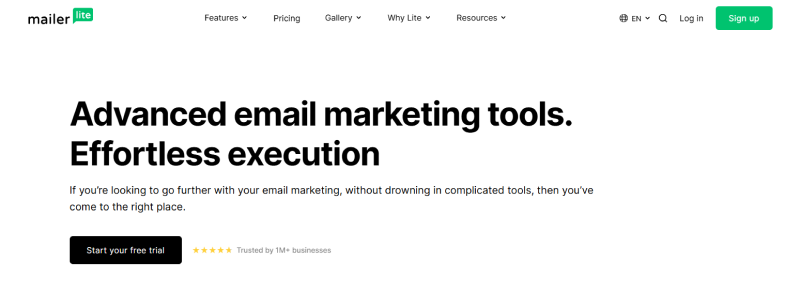
Best For: Simple and affordable email campaigns
MailerLite provides simple AI-assisted email marketing for small businesses and creators. It’s designed for users who want clean, effective campaigns without overwhelming features.
Why we picked MailerLite:
The simplicity is the strength here. You can create nice-looking emails quickly without getting lost in options. AI helps with subject line suggestions and send-time optimization. The automation is straightforward (you’ll actually use it instead of ignoring it). Pricing is transparent and affordable, which matters when you’re just starting or running on a tight budget.
Standout features & integrations:
Drag-and-drop editor builds clean emails fast. Landing pages and forms capture subscribers easily. Auto-resend to non-openers boosts engagement. Reporting shows key metrics clearly.
Works with: Shopify, WordPress, WooCommerce, Stripe, PayPal, Zapier, Facebook, Google Analytics, Salesforce, and Eventbrite.
| Pros | Cons |
|---|---|
| Very easy to use | Fewer advanced features |
| Affordable pricing | Limited customization options |
| Clean email designs |
Pricing:
- Free ($0): Up to 500 subscribers, 12,000 emails/month, 1 user, drag-and-drop editor.
- Growing Business ($10/mo or $9/yr): Up to 1,000 subscribers, unlimited emails, 3 users, unlimited landing pages.
- Advanced ($20/mo or $18/yr): Up to 1,000 subscribers, unlimited emails, unlimited users, live chat support, advanced features.
14. Omnisend
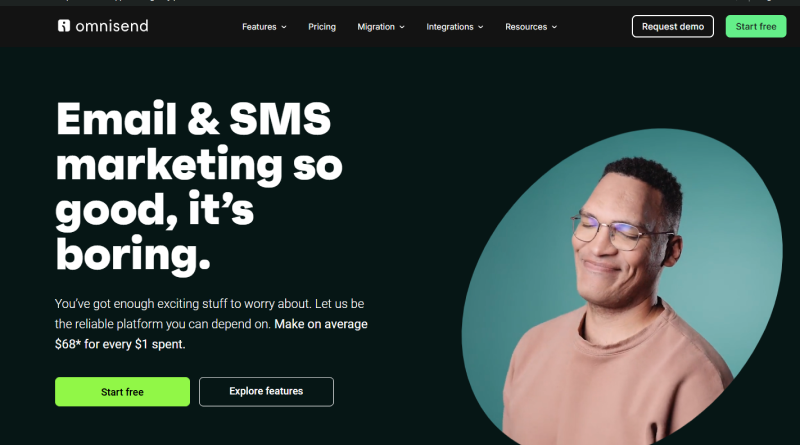
Best For: E-commerce email and SMS automation
Omnisend specializes in e-commerce email and SMS marketing with AI automation. It’s built for online stores that want to increase sales through smart campaigns.
Why we picked Omnisend:
The e-commerce focus shows everywhere. You can create automated workflows for abandoned carts, welcome series, and post-purchase follow-ups. Product recommendations update dynamically based on browsing and purchase behavior.
SMS integrates seamlessly with email campaigns. The reporting connects directly to revenue, so you see exactly what’s making money.
Standout features & integrations:
Pre-built e-commerce workflows save setup time. Product recommendations personalize emails automatically. SMS and email work together in campaigns. Revenue reporting ties campaigns to sales.
Works with: Shopify, BigCommerce, WooCommerce, Magento, Wix, PrestaShop, Zapier, Google Analytics, Facebook, and Recharge.
| Pros | Cons |
|---|---|
| Built specifically for e-commerce | Overkill for non-e-commerce |
| Product recommendations work well | Pricing increases with contacts |
| SMS and email combined |
Pricing:
Standard: $11.20/ per month
Pro: $41.30/ per month
15. Instantly
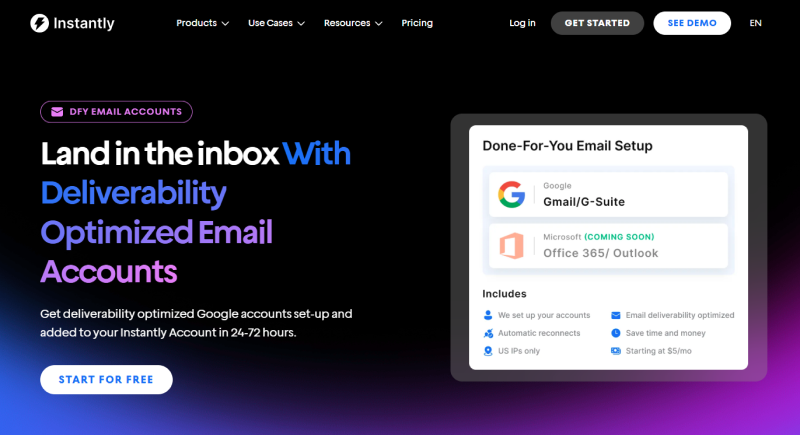
Best For: Cold email outreach at scale
Instantly focuses on cold email outreach with AI personalization and deliverability optimization. It’s designed for sales teams and agencies running large-scale email campaigns.
Why we picked Instantly:
The deliverability tools are comprehensive. You can warm up email accounts, rotate sending, and monitor inbox placement closely. AI personalizes emails at scale using data you provide.
Unlimited accounts let you send high volumes without hitting limits. The analytics show detailed metrics on opens, replies, and conversions specific to cold outreach.
Standout features & integrations:
Email warmup improves sender reputation automatically. AI personalization customizes emails using prospect data. Account rotation spreads are sent across multiple addresses. Analytics tracks cold email metrics specifically.
Works with: Zapier, HubSpot, Salesforce, Pipedrive, Google Sheets, Webhooks, and most CRMs through integrations.
| Pros | Cons |
|---|---|
| Strong deliverability features | Learning curve for beginners |
| Unlimited email accounts | Focused on cold email only |
| Built for cold outreach |
Pricing:
- Growth ($37/mo): Unlimited accounts, 1,000 active contacts, 5,000 monthly emails, and unlimited warmup.
- Hypergrowth ($97/mo): Unlimited accounts, 25,000 active contacts, 100,000 monthly emails, and unlimited warmup.
- Light Speed ($358/mo): Unlimited accounts, 100,000 active contacts, 500,000 monthly emails, and unlimited warmup.
No Spam. No calls. Unsubscribe anytime.
Conclusion
Picking an email tool depends on what you’re actually trying to do. Small businesses starting do well with simple options like MailChimp or MailerLite. Online stores need e-commerce features from Omnisend or Drip. Cold outreach teams should look at it instantly.
The best approach is to test a few options (most offer free trials). See which interface makes sense to you and which features you’ll actually use. The fanciest tool won’t help if you don’t understand how to use it.
Start with the basics. Get your list cleaned up, write some decent subject lines, and send consistent campaigns. You can add complexity later once you’re seeing results from the simple stuff.
Frequently Asked Questions
